Time Warp Scan on pure JavaScript
The New Year 🎄 is almost here, and what better way to celebrate than with a fun coding project? Today, I’m excited to share a simple Time Warp Scan implementation using pure JavaScript and HTML5 Canvas. Have fun, and happy New Year! May your coding be productive.
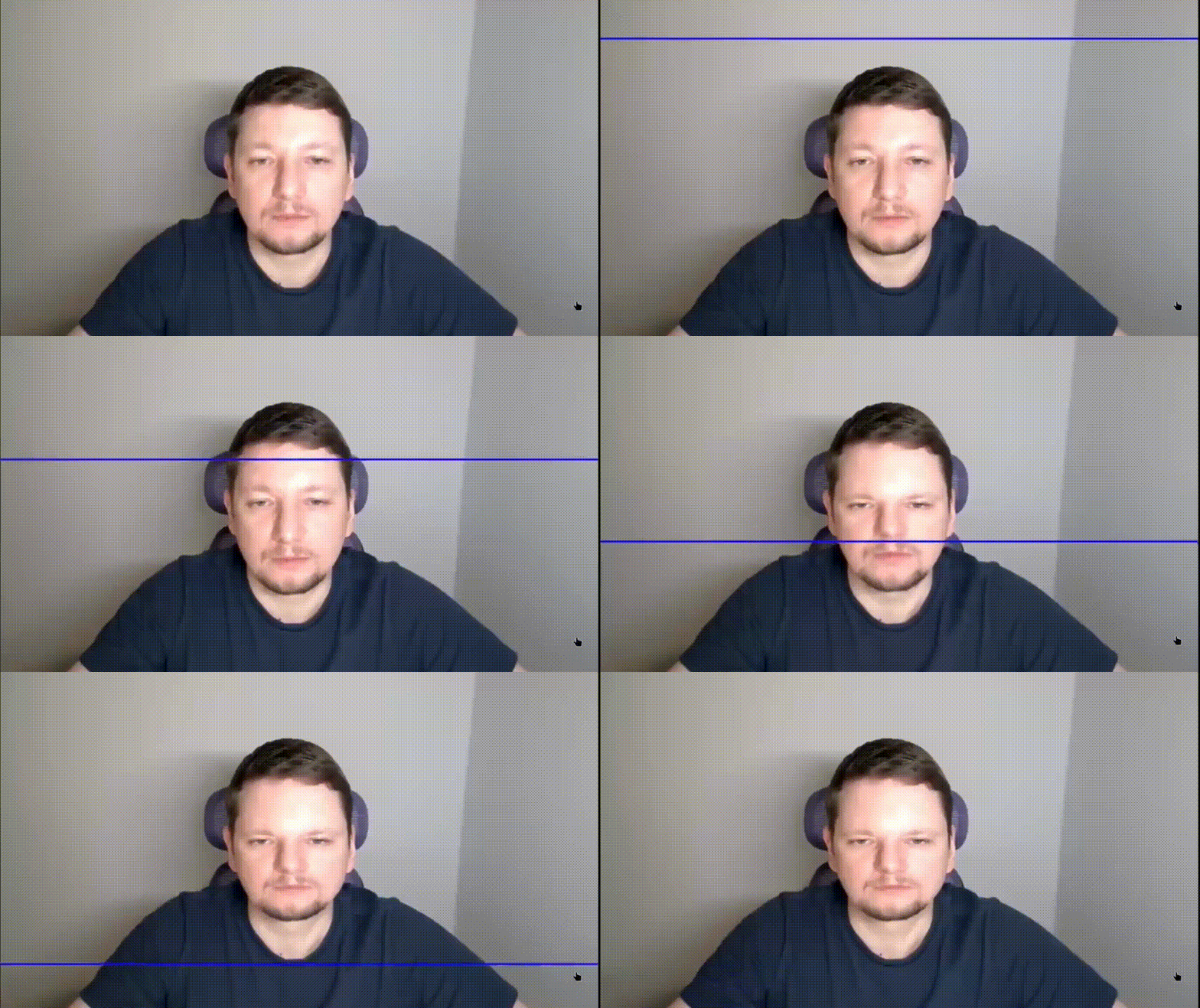
This implementation is very simple. Here is the JavaScript source code:
let video, state = 0;

const canvas = document.createElement('canvas');
document.body.appendChild(canvas);

const ctx = canvas.getContext('2d');
canvas.onclick = start;

function stop() {
  video?.srcObject?.getTracks().forEach(t => t.stop());
  video = null;
}

async function start() {
  if (state === 0) {
    const stream = await navigator.mediaDevices.getUserMedia({ video: true });

    video = video || document.createElement('video');
    video.srcObject = stream;
    await video.play();

    canvas.width = video.videoWidth;
    canvas.height = video.videoHeight;

    let offset = 0;
    const { width, height } = canvas;

    function frame() {
      if (!video) return;
      if (state === 1) {
        ctx.drawImage(video, 0, 0, width, height);
      }
      else {
        ctx.drawImage(video, 0, offset, width, height-offset, 0, offset, width, height-offset);
        ctx.fillStyle = '#0000ff';
        ctx.fillRect(0, offset+2, width, 2);
        offset++;
      }
      if (offset >= height) {
        state = 0;
        stop();
      } else {
        requestAnimationFrame(frame);
      }
    }

    state = 1;
    requestAnimationFrame(frame);
  }
  else if (state === 1) {
    state = 2;
  }
  else if (state === 2) {
    state = 0;
    stop();
  }
}
On clicking the canvas, the application will request access to your webcam. The first click starts the video feed, the second click initiates the Time Warp Scan effect, and the third click stops everything.
Try it in action here:
Comments